
How golf lesson booking works

Your players book a lesson in four steps, from your website, your booking page or your own app.

  1. Choose a pro and a lesson type, for example "30 min · Individual".
  2. Pick a date and an available time.
  3. Pay online, or use credits from a lesson package.
  4. Get a confirmation and an automatic reminder before the lesson.

No emails or phone calls back and forth, and your agenda fills while you are on the range.
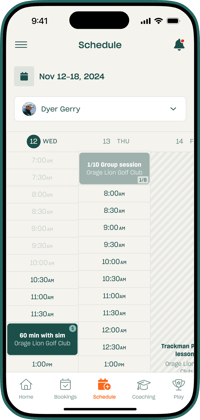
Golf lesson booking page on mobile

Get paid when the lesson is booked

Payment at booking means fewer no-shows and less time chasing money.

  • Payment at booking through Stripe, with deposits and cancellation fees if you want them.
  • Lesson packages: sell bundles up front and track how many lessons each player has left.
  • Memberships with automatic billing.
  • Gift vouchers players can buy online and redeem at checkout.
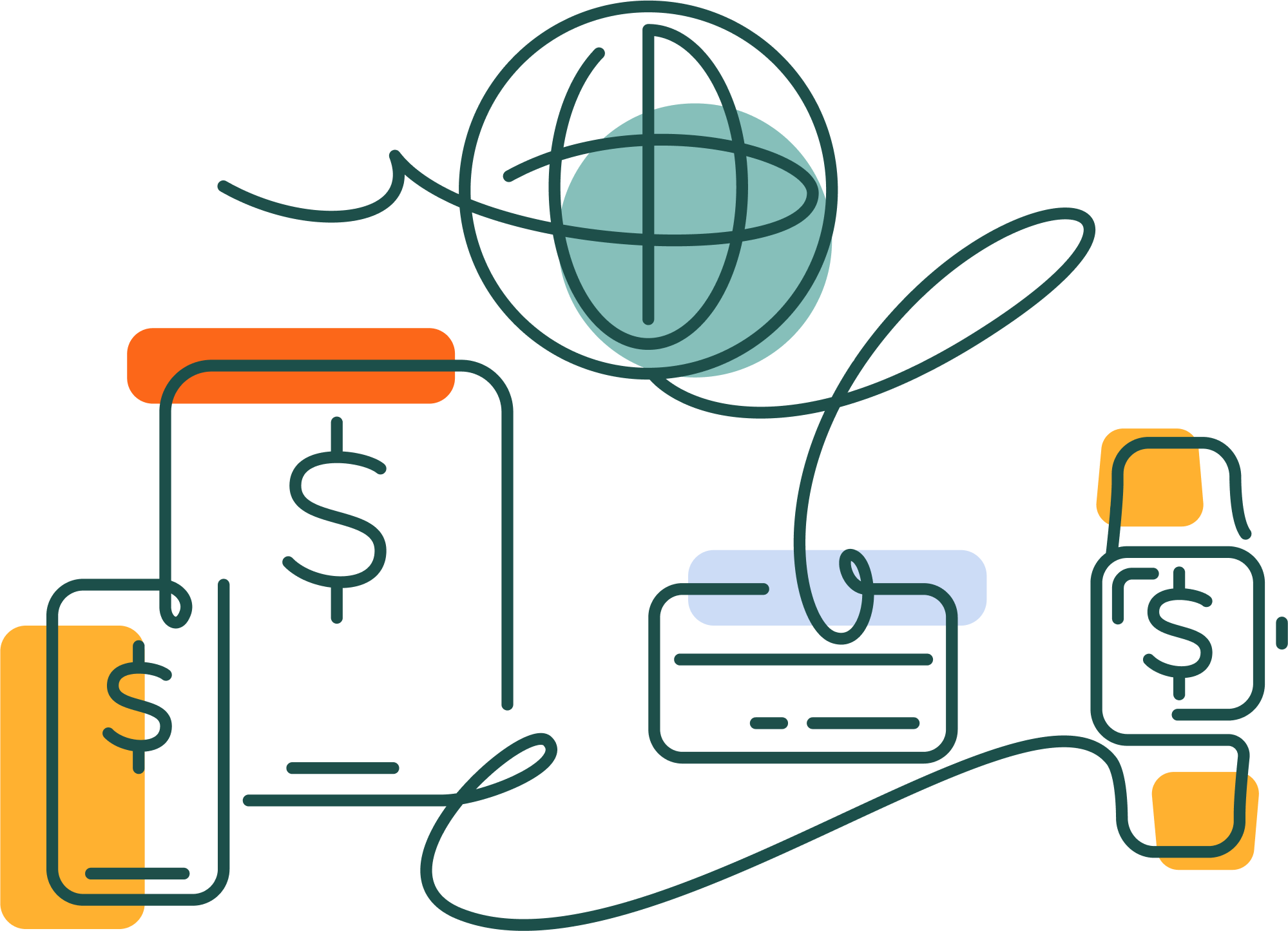
Online payment for a golf lesson at booking

Your brand, not ours

Players book on your booking page and in a mobile app with your logo and colours, not ProAgenda's. Push notifications keep them coming back between lessons.
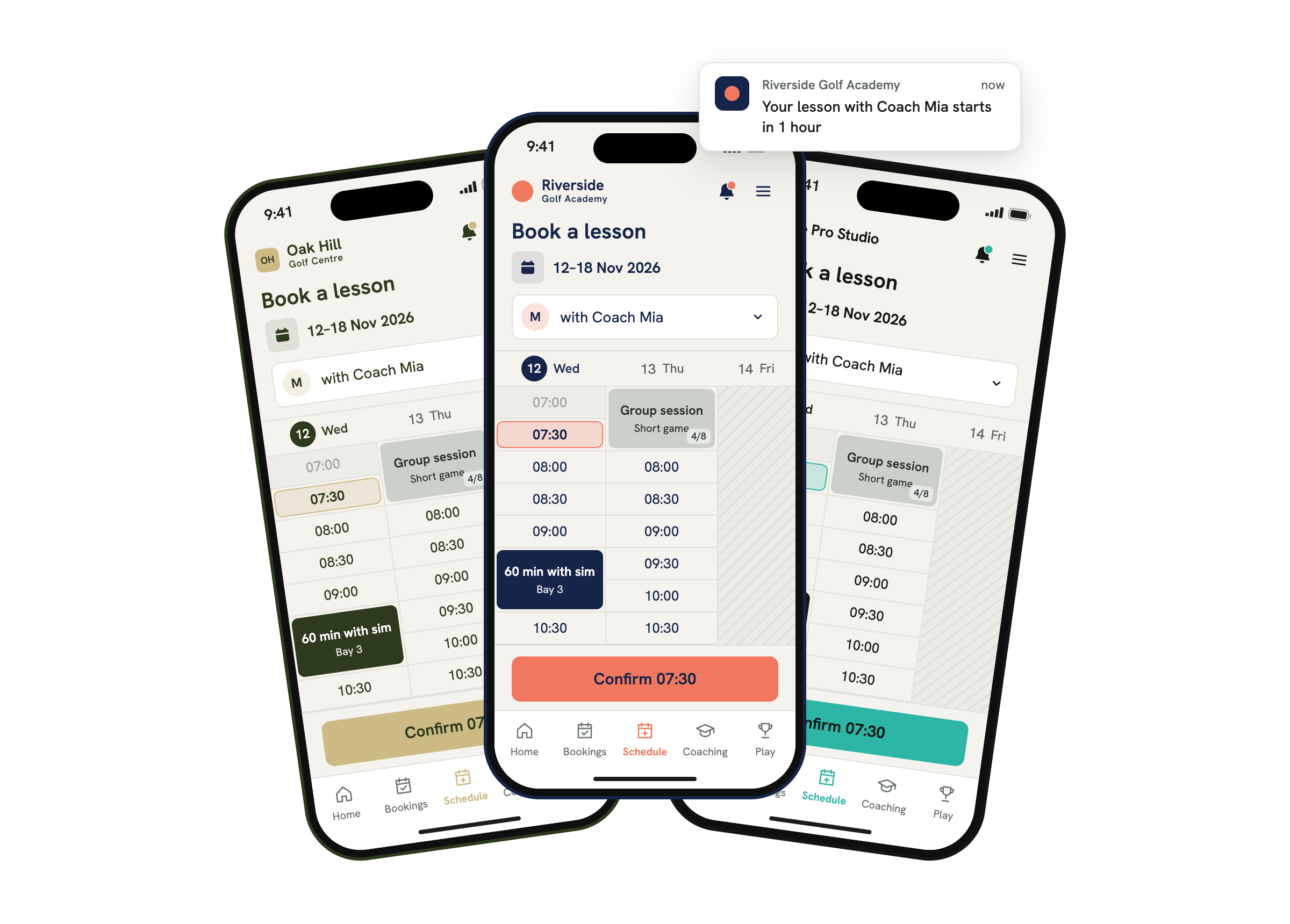
multiple branded proagenda pages

Works with the systems you already use

ProAgenda connects with Lightspeed, Club Prophet, Stripe, Mailchimp, CoachNow, Golfspot, Teecontrol and more, so bookings, payments and client data stay in sync.

Online golf lesson booking system

How to set up an online golf booking system

Most of the work is done before your first player books.

  1. Import your client list, for example from Excel.
  2. Set your lesson types, prices and availability.
  3. Share your booking link or add it to your website.

You can try everything first with a 30-day free trial, or book a demo and we'll set it up with you.

Online golf lesson booking system

Tell us how we can help

Leave your contact details

FAQ

Golf lesson booking software lets players book, pay for and manage golf lessons online, without calling or emailing the pro. ProAgenda adds packages, reminders, a team agenda and a branded app on top.

The best fit is software built for golf lessons rather than generic appointments. Look for online payment at booking, lesson packages, availability per pro, resource booking for bays or simulators, and a mobile app. ProAgenda covers all of these and is used by around 2,000 golf professionals in 23 countries.

Yes. Players book through a mobile app with your own logo and colours, and pros manage their agenda from the app as well.

Yes. Players pay through Stripe when they book, and you can set deposits and cancellation fees. Lesson packages and vouchers can be bought and used online too.

ProAgenda is used by golf instructors across the UK and the US, from single teaching pros to golf centres with several pros. It connects with systems common in both markets, such as Lightspeed and Club Prophet.

You import your clients, set your lesson types and availability, and share your booking link. During a demo we set it up with you. Your booking page can be up in one working day. 

Yes. You can try ProAgenda free for 30 days.

Book a demo with the ProAgenda team at proagenda.com/schedule-demo, and we'll show you the system with your own lesson types.