



Payments collected at the point of booking
When a client books a session through your ProAgenda booking page, their payment is
taken immediately. No reminders, no follow-up, no manual invoicing. The money is yours before you have even picked up a club.
- Full payment history in your dashboard.
- Card payments accepted - Visa, Mastercard, Amex.
-
Automatic payment confirmation sent to the client and the coach.
.png?width=450&height=450&name=Design%20images%20website%20(12).png)
Deposits, full payments, and pay-later: your rules
Not every business runs the same way. ProAgenda lets you choose whether to take a deposit, the full amount, or allow clients to pay on the day. Set it once per service type, and ProAgenda applies your policy consistently.
- Configurable per service: full payment, deposit, or on-the-day
- Deposit amount set as a fixed sum or percentage
-
The remaining balance is flagged automatically before the session

Cancellation policies that actually hold
A no-show costs you time and money. ProAgenda enforces your cancellation policy automatically - if a client cancels within your window, the fee is charged without you having
to ask. No awkward conversations.
- Set your own cancellation window (e.g., 24h, 48h)
- Clear policy shown to the client at the time of booking
-
Cancellation fees are charged automatically
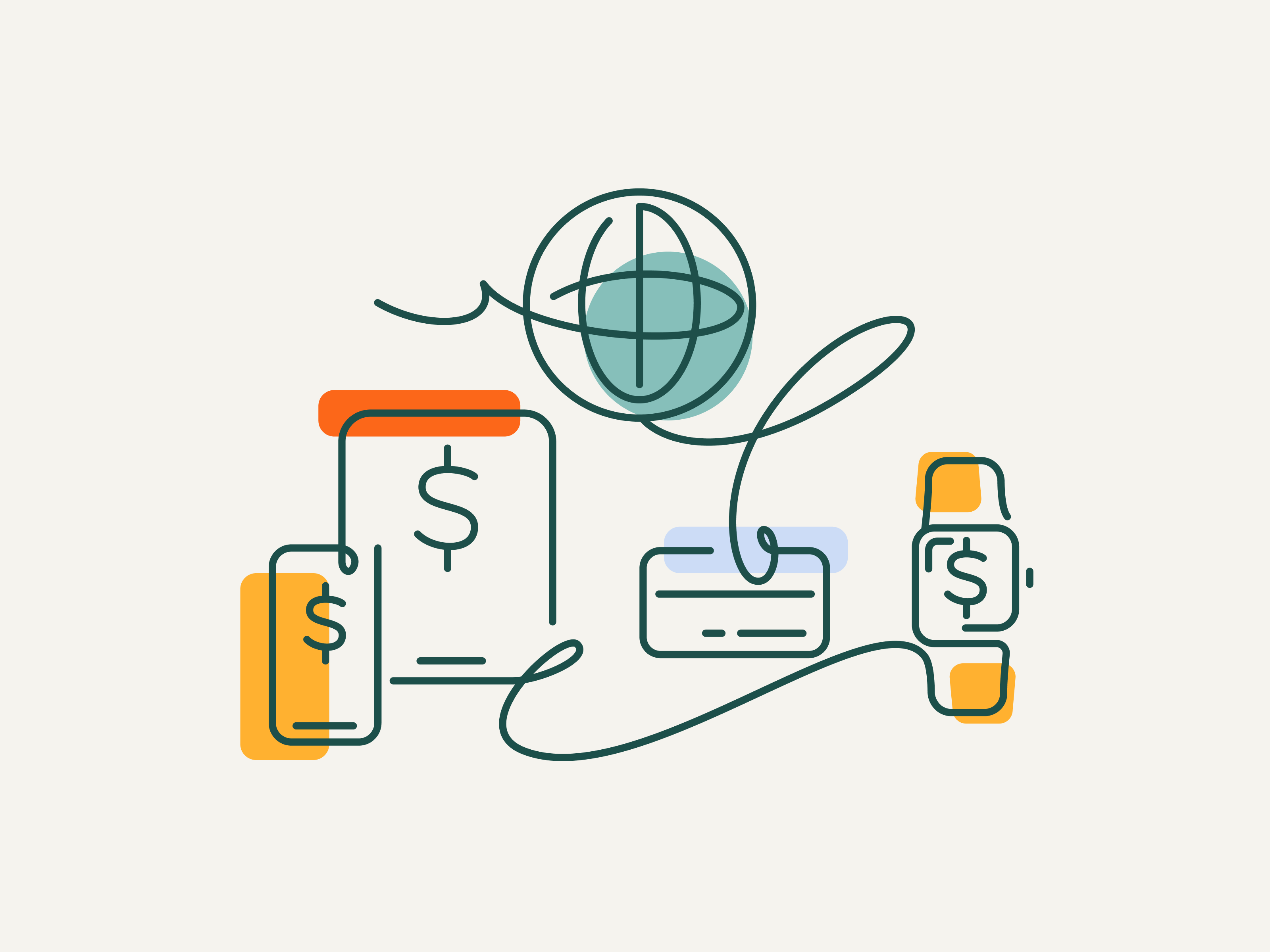
All your revenue in one place
See every payment, refund, and outstanding balance in a single dashboard. Export reports
for your accountant, track revenue by service or coach, and never wonder where your
money is.
- Filter by service type, coach, or location
- Export to CSV for accounting
- Revenue dashboard by day, week, or month
.png?width=450&height=450&name=Design%20images%20website%20(13).png)
Online Payments are just the start
ProAgenda is built to run your entire operation. These features connect directly to online
payments to give you a complete, joined-up business.
-

Peak prices & Memberships
Set up recurring billing for monthly or annual members. Automatic renewal, nomanual action required. -

Packages
Sell sessions in bulk and take full payment upfront. Packages and payments worktogether seamlessly. -

Vouchers
Let clients buy gift vouchers online. Value is deducted automatically at checkout.